
What a room is
A chat is one specialist. A room is several, on one question, in one thread. Two kinds, not variations of each other. You choose before you send.



 Tap the faces to pick who's in
The door. Pick the faces, ask once, and choose the kind before you send. The estimate updates as you add someone, and the room is named after your question.
Ask. Everyone at once.
Each specialist answers before seeing the others' answers. Then you compare and decide.
Work together. One at a time.
One speaks at a time, each hearing the last. You steer between turns.
Ask: everyone at once
For what each specialist thinks before reading the others. Compare their positions, then decide what to carry forward.
- Pick the peopleTap the faces in the composer at the top of Rooms. The cost estimate updates as you add someone.
- Ask onceOne question, sent once. Every specialist you picked answers on their own, at the same time, in one thread.
- Read them side by sideThe answers land next to each other. Disagreements are visible because nothing has been smoothed over.
MayaProduct LeadDONETimer only. One habit at launch, and decide on notes with real usage, not a guess.
JackBusiness StrategistDONETimer and notes from day one. Notes are the return visit; without them there is no second week.
SophieBrand & ContentDONEWhichever we pick, say what's missing on the launch page.
Disagreement. Maya says timer only. Jack says timer and notes. Sophie will take either, with the missing half named.
An Ask room. Three answers written apart, the disagreement named, and the two buttons that come next. Finish the room keeps it in the list, open or concluded, with its cast; that goes for both kinds.
Work together: one at a time
For work that has to build. Each specialist picks up where the last one left off, and you redirect before the next turn, not after the whole thing is finished.
- Pick the people, and press Work togetherSame composer, the other button. The order you add them is the order they speak in.
- Steer between turnsAfter each turn the room waits for you. Send it on, or tell the next specialist what to do differently.
- Finish the room when it is doneIt stays in the list, open or concluded, with the cast that worked on it.
A working room. Maya, then your steer, then Jack who heard her, then Sophie who heard him.
Which one to use
Independent opinions, or a chain of work?
- You want each answer given before anyone has seen the others.
- You have to choose between options. Ask, then reach a decision; the disagreements are the useful part.
- The work builds on itself: research, then draft, then critique, each one seeing the last.
- You want to steer as it goes. The room stops for you between every turn.
- It is one small question. A room costs more and tells you less than one specialist would.
- Sync compiles what everyone knows; a room answers one question.
Reaching a decision
Press Reach a decision at the foot of the answers and the room reads everyone's take and writes where it landed, disagreements first. Nothing forces you to press it; a room can stay a set of answers. Deciding runs on Lorah's own runtime, an Anthropic or OpenAI key or a qualifying local model, so a workspace with only a Gemini, Perplexity or xAI key can hold a room but not decide it.
Where the room landed. The disagreement is named before the conclusion, so you can see what was traded away.
Walkthrough
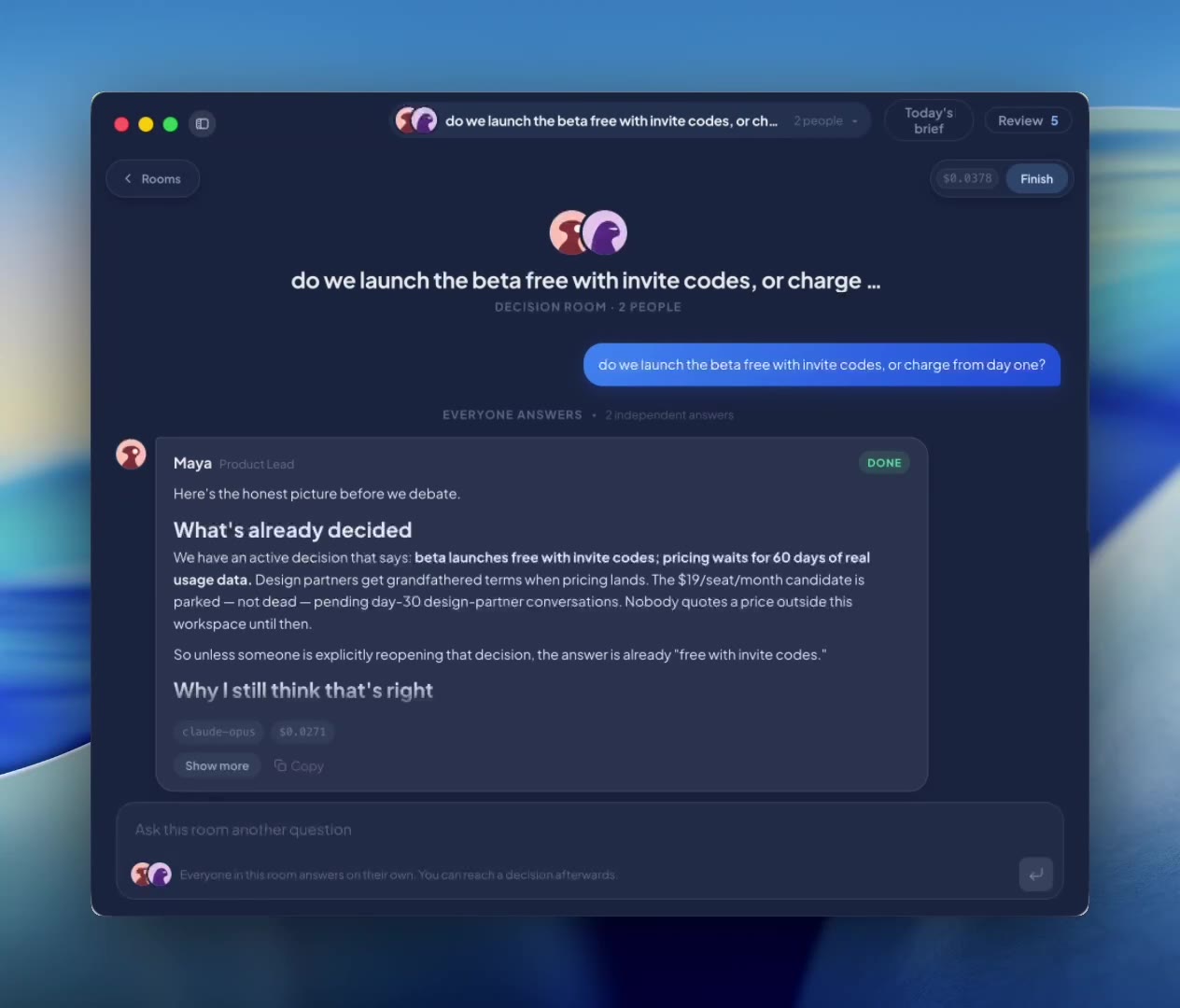
Two specialists, one question, and a decision at the end.
 Rooms0:59
A room, start to finish.
What happens to what it settles
In a Work together room, press Wrap up: Lorah drafts the facts and decisions, and Save to memory sends them to Review with the line they came from. In an Ask room, Save to memory under the conclusion keeps it as a decision straight away. Finish only closes the room. How memory works covers the rest.
Where to find it
Two doors.
⌘\ on macOS or Ctrl+\ on Windows. Rooms is the first entry, and the hub lists every room by day, live ones with a pulse.